Working from home has become common for many people, making the home office an important part of daily life. Creating a productive home office environment can help improve your focus, reduce stress, and increase the quality of your work. Here are practical tips to design a workspace that supports your best work.
Choose the Right Location
Find a Quiet Spot
Select a place in your home where you can work with minimal distractions. A quiet corner or a separate room works best. Avoid high-traffic areas or places noisy from household activity.
Consider Natural Light
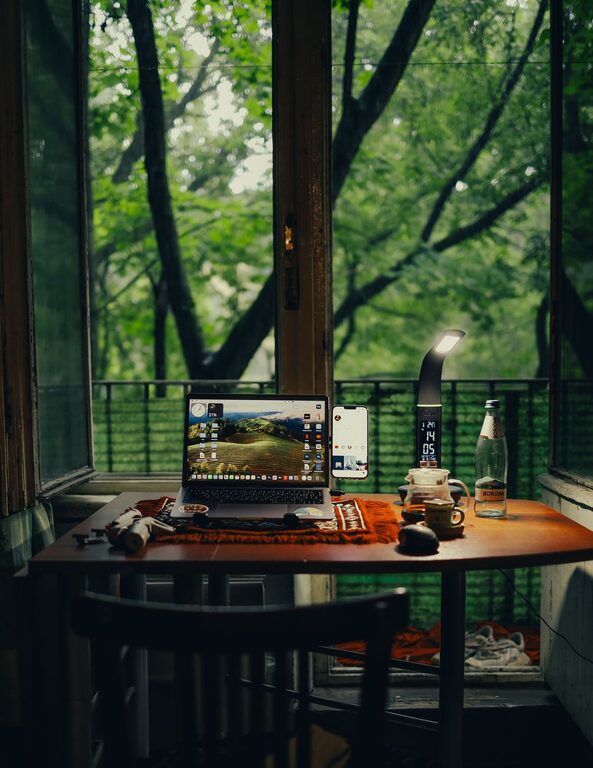
If possible, set up your office near a window. Natural light boosts mood and energy. Position your desk to reduce glare on your computer screen while enjoying daylight.
Invest in Comfortable Furniture
Ergonomic Chair and Desk
Comfort matters when you spend hours working. Choose a chair that supports your back and encourages good posture. Adjust your desk height so your arms are at a 90-degree angle when typing.
Proper Desk Size
Ensure your desk has enough surface area for your computer, documents, and any equipment you use regularly. A clutter-free desk helps you stay organized and focused.
Organize Your Workspace
Declutter Regularly
Remove unnecessary items from your desk. Keep only the essentials close by. A tidy workspace can make a big difference in how productive you feel.
Use Storage Solutions
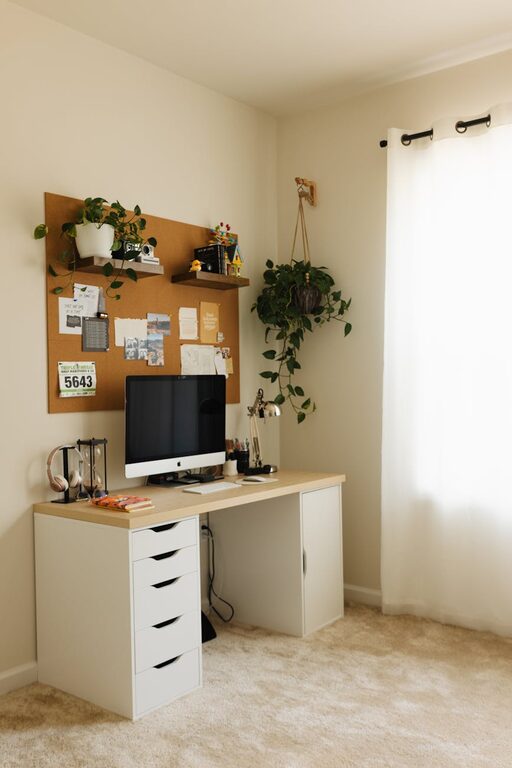
Invest in shelves, bins, or drawers to store supplies. Label containers to quickly find what you need. Good organization reduces distractions and wasted time searching for things.
Enhance Lighting and Ambiance
Layer Your Lighting
Combine overhead lights with task lighting like a desk lamp. Adjustable lighting helps reduce eye strain. Soft, warm light can make the room feel inviting and cozy.
Add Personal Touches
Decorate with plants, artwork, or items that inspire you. Personal touches can make your office feel more welcoming without creating clutter.
Minimize Distractions
Set Boundaries
If you share your home, communicate your working hours and space rules to family or roommates. Clear boundaries help maintain focus and reduce interruptions.
Use Noise Control Tools
Consider noise-canceling headphones or white noise machines if background noise is an issue. These tools help you concentrate better during work hours.
Use Technology Wisely
Reliable Internet Connection
A strong and stable internet connection is essential for communication and accessing online tools without frustration.
Organize Cables
Use cable organizers or clips to keep wires tidy and out of the way. A neat setup prevents accidents and makes cleaning easier.
Maintain Healthy Habits
Take Breaks
Remember to stand up, stretch, and move around regularly. Short breaks refresh your mind and body, improving overall productivity.
Stay Hydrated and Eat Healthily
Keep water nearby and enjoy nutritious snacks. Proper hydration and diet support concentration and energy levels.
Balance Work and Life
Designate specific work hours and stick to them. When your workday ends, step away from your office space to relax and recharge.
Personalize Your Workflow
Set Daily Goals
Write down your tasks for the day. Clear goals help maintain focus and provide a sense of accomplishment.
Use Productivity Tools
Explore apps and planners that help with time management, task tracking, and minimizing distractions.
Conclusion
Designing a productive home office environment takes some thought and effort but pays off with improved focus and work quality. By choosing the right location, investing in comfortable furniture, organizing your space, and maintaining healthy habits, you can create a workspace that supports your professional success and personal well-being. Start small and make adjustments as you go to find what works best for you.