
Creating a cozy and productive home workspace is essential for staying motivated and efficient, especially as more people embrace remote work or flexible schedules. A well-designed workspace can help you focus, reduce stress, and even boost creativity. If you’re looking to improve your home office environment, here are some practical tips to guide you.
Choose the Right Location
Consider Natural Light
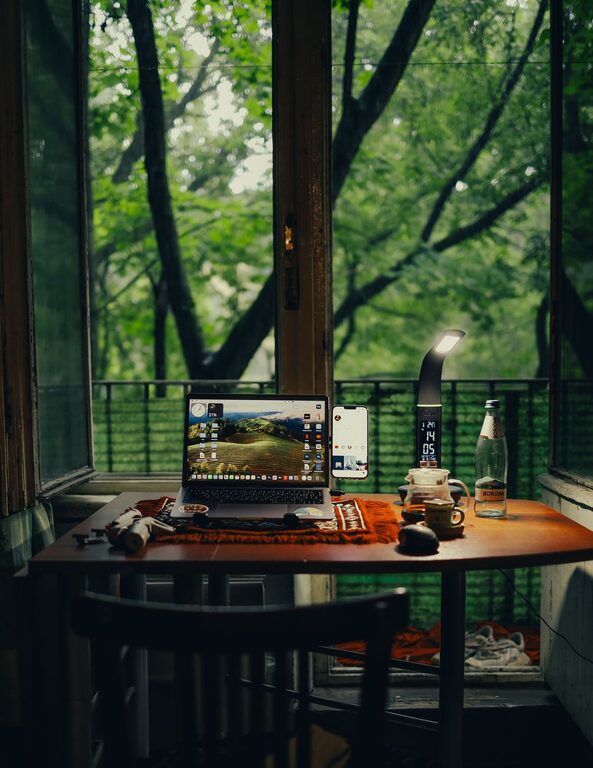
Position your workspace near a window if possible. Natural light improves mood and reduces eye strain. If natural light is limited, use soft, warm artificial lighting to create a welcoming atmosphere.
Minimize Distractions
Select a quiet area away from high-traffic zones. A space with a door can help minimize interruptions and signal to others that you’re working.
Invest in Comfortable Furniture
Ergonomic Chair and Desk
Comfort is key in a productive workspace. Choose an ergonomic chair that supports your back and encourages good posture. Pair it with a desk at the right height to avoid strain on your wrists and shoulders.
Personalize Your Setup
Use cushions, footrests, or standing desk converters if needed. These small additions can make long working hours more comfortable.
Organize Your Space Effectively
Declutter Regularly
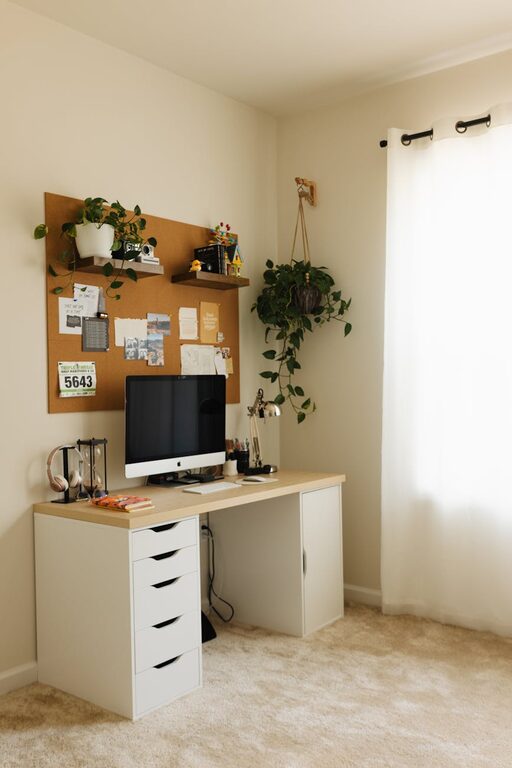
A clutter-free desk helps maintain focus. Keep only essential items on your desktop and store other supplies neatly nearby.
Use Storage Solutions
Shelves, filing cabinets, and drawer organizers keep paperwork and tools in order. Label storage containers to find things quickly.
Enhance the Ambiance
Add Plants
Indoor plants improve air quality and create a relaxing environment. Choose low-maintenance varieties like succulents or pothos for easy care.
Personal Touches
Decorate your space with items that inspire you—photos, artwork, or motivational quotes. These elements can boost mood without overwhelming the workspace.
Optimize for Productivity
Set Up Technology Efficiently
Ensure your computer, printer, and other devices are positioned for easy access. Manage cables with clips or organizers to keep your desk tidy.
Use Noise Control
If background noise is distracting, consider noise-canceling headphones or a white noise machine to create a focused environment.
Manage Your Time and Tasks
Create a Routine
Start your workday at consistent times and include breaks. A regular schedule helps maintain productivity and work-life balance.
Use Planning Tools
Keep a planner, digital calendar, or task management app nearby to track deadlines and prioritize tasks.
Maintain a Healthy Work-Life Balance
Designate “Work Hours”
Respect the boundaries between work and personal life by turning off work devices after hours and leaving your workspace when the day ends.
Keep Movement in Mind
Take short breaks to stretch or walk around. This prevents stiffness and keeps energy levels up.
—
By following these tips, you can design a home workspace that feels cozy and keeps you productive. Remember, the best workspace is one that suits your personal needs and allows you to focus comfortably. Experiment with different layouts and accessories until you find the perfect balance for your home office.